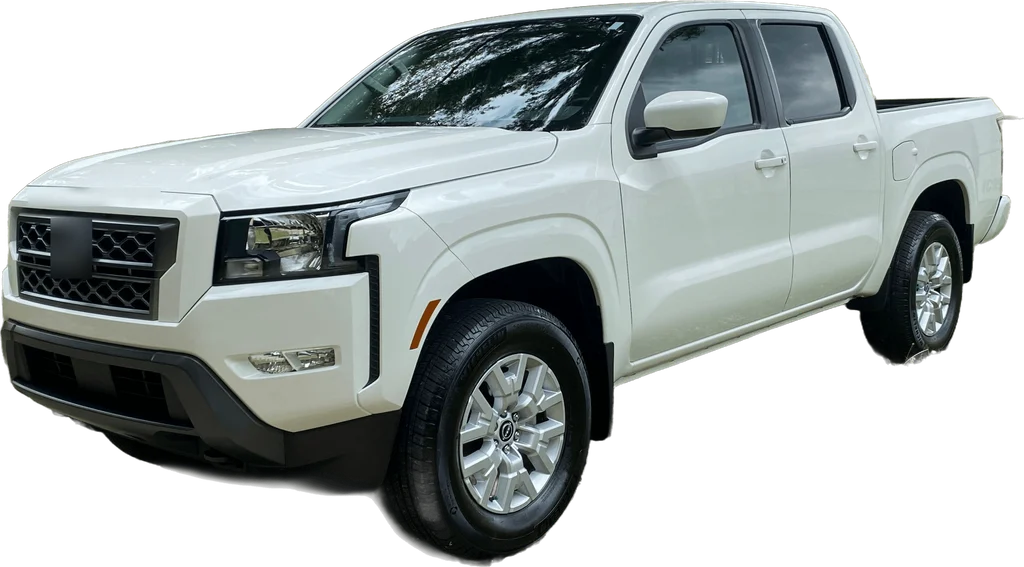
To make the this is private property ai video, upload one clear photo to AI Meme Videos, pick a scene, choose a format and quality, and download the finished 15-second clip. There is no prompt to write and nothing to edit. Open the generator and start with your photo.
How do I make it in four steps?
1. Pick a clear photo
Sharp, evenly lit, one adult who has agreed to appear. Whatever you wear in the photo is what you wear in the video, so choose the outfit on purpose.
2. Choose the scene
Pick one of 6 scenes, from the original pond pickup to a tractor, a golf cart or a ranch gate. Only the first line changes between them.
3. Choose the format and quality
Choose 9:16 for TikTok, Reels and Shorts, or 16:9 to match the original clip. Quality is 480p at 10 credits, 720p at 22 or 1080p at 40.
4. Generate and download
The clip is 15 seconds long and comes back as an MP4 with AI-generated dialogue and ambient sound. Download it within 7 days.
Why not do it by hand?
You can, but it means an AI video subscription, a reference or a long written prompt, and several attempts before one render holds together. The hard parts are the same ones the prompt page describes: keeping your face, getting two voices to stay separate and landing the pause before "State?". This site does that work once, inside the scene.
| AI Meme Videos | Doing it by hand | |
|---|---|---|
| What you need | One photo and a browser | An AI video subscription, a reference or prompt, and a photo |
| Time | Pick, tap, wait about 5 minutes for the render | Setup, writing and several attempts |
| Prompt writing | None, it is built in | Required, and tuned by trial |
| Getting two voices right | Built into the scene | Up to you, and the voices can blur together |
| Cost | 10 credits (from $9.99 for 10) at 480p, no free tier, no subscription | Depends on the plan you hold, and each attempt uses part of it |
| Failed renders | Credits returned automatically | Not guaranteed to be returned |
The full prices are on the pricing page. Limits apply to us too: lip sync is close but not frame-exact, the voices are synthetic and vary between renders, and likeness is not guaranteed.
Which photo gives the best result?
- Turn your face slightly to one side. The pickup is filmed at a three-quarter angle and a matching photo holds likeness better.
- Use even light and a sharp image. Shadows across the face and motion blur are what an AI model struggles with most.
- Skip sunglasses and heavy filters. The eyebrow raise on "State?" is the joke, and it needs eyes it can see.
- Show your shoulders and chest. Only the upper body appears in the truck window.
- Send one person. Group shots confuse which face is the owner.
The Hit the Road Dude AI page shows what each of the 6 scenes does with your photo.
How do I post it?
The sound is already in the file, so there is nothing to add inside the app. Use 9:16 for TikTok, Instagram Reels and YouTube Shorts, and 16:9 for a regular YouTube upload or a group chat. Label it as AI-generated where the app has a label for it. If you want context for the caption, the trend page has the dates and the meme page has the lines.